One small password can open a very big door. It can lead to your email, your bank app, your shopping account, your photos, and even your private messages. That is why one common mistake is so dangerous: repeatedly using the same password.
Many people do it because it feels easy. One password is simple to remember. But if a hacker gets that one password, they may try it on your other accounts too. NIST warns that if the same password is used across many sites, a single stolen password can put every matching account at risk.
The Big Mistake Is Reusing One Password
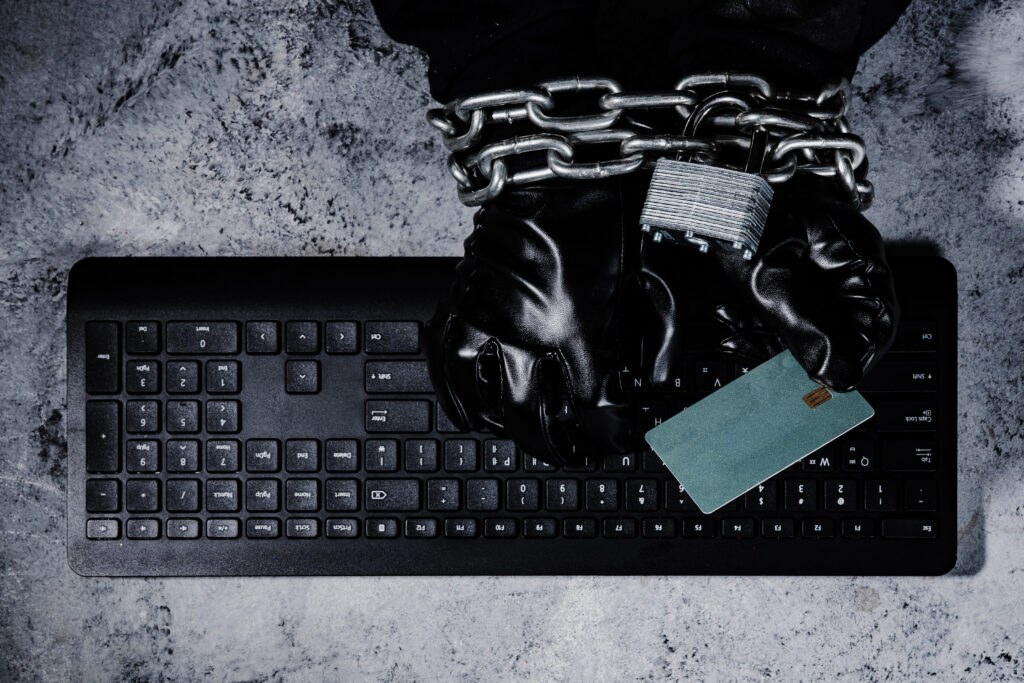
Using one password for many accounts is like using one key for your house, car, office, bank box, and storage room. If someone steals that key, they do not just get one thing. They may get everything.
This is why password reuse is so risky. A small website can get hacked. Your password can leak. Then, criminals may test that same password on your email, bank, social media, shopping, or phone accounts. FINRA says stolen usernames and passwords are one way criminals take over personal accounts, including financial accounts.
Your Email Is the Biggest Prize
Your email is often the master key to your online life. If a hacker gets into it, they can click “forgot password” on many other accounts. Then they may reset those passwords and lock you out.
That is why this mistake can feel so costly. It is not just about losing one login. It can lead to stolen funds, fraudulent purchases, altered account details, and the exposure of private information.
FINRA says signs of account takeover can include missing funds, strange account changes, and unexpected alerts about activity you did not request.
Weak Passwords Make It Even Worse
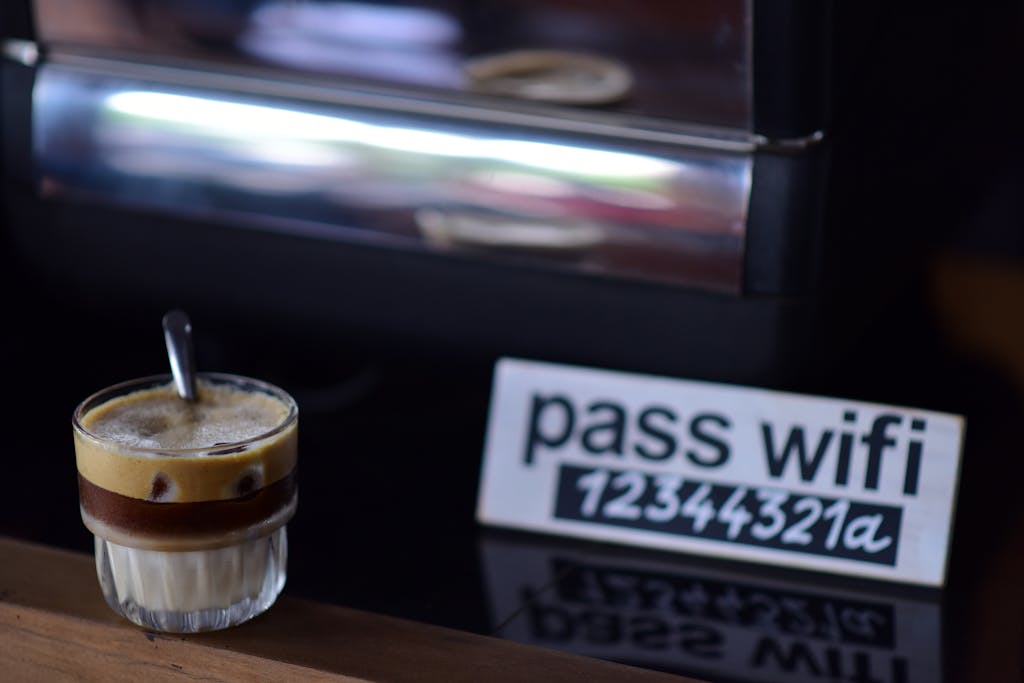
Some people still use simple passwords because they are easy to remember. They may use a birthday, a child’s name, a pet’s name, or something like “123456.” That feels familiar, but familiar is exactly what hackers try first.
NIST says many people are bad at choosing unique passwords, and common passwords such as “password” or “12345” are among the first ones attackers test. NIST also explains that hackers can make many password guesses very quickly when they obtain stolen password data.
A Long Password Is Safer Than a Cute One
A strong password does not need to be clever. It needs to be long. A longer password gives hackers more work to do.
NIST recommends that a password be at least 15 characters long. It also says a passphrase can help, which means using a few words together in a way you can remember.
Use a Different Password for Every Account
This is the simple rule that can save you. Every important account should have its own password. Your email should have one password. Your bank should have another. Your shopping account should have another.
This may sound hard, but you do not have to remember every password by yourself. NIST recommends password managers because they can generate long, strong passwords and securely store them.
Add One More Lock With MFA
A password alone is no longer enough for important accounts. You need another lock. That lock is called multifactor authentication, or MFA.
MFA means the account requires more than just your password. It may ask for a code, a phone alert, a fingerprint, or your face. NIST says MFA can help protect an account even if the password is stolen, because a hacker would still need that second step.
Do Not Click Strange Login Links
Many password thefts start with a fake message. It may look like it came from your bank, delivery company, email provider, or phone company. The message may tell you to click a link and log in.
That link can lead to a fake page. It may look real, but it is built to steal your password. FINRA says suspicious emails and texts may request details that legitimate firms would not request via email or text, such as passwords and account numbers.
What You Should Do Today
Start with your email password. Make it long, unique, and different from every other password. Then turn on MFA for your email, bank, and phone accounts, and for any account that stores payment details.
Next, change any reused passwords. Do not try to fix everything in one stressful hour. Fix the most important accounts first. Your email, bank, credit card, phone, and shopping accounts should come before old accounts you barely use.
Conclusion
The password mistake that could cost you everything is simple: using the same password in too many places. It feels easy at first, but it gives hackers a bigger chance to break into your life.
A strong online life starts with one smart choice. Use different passwords. Make them long. Use a password manager. Turn on MFA. Your money, privacy, and peace of mind are worth that extra step.